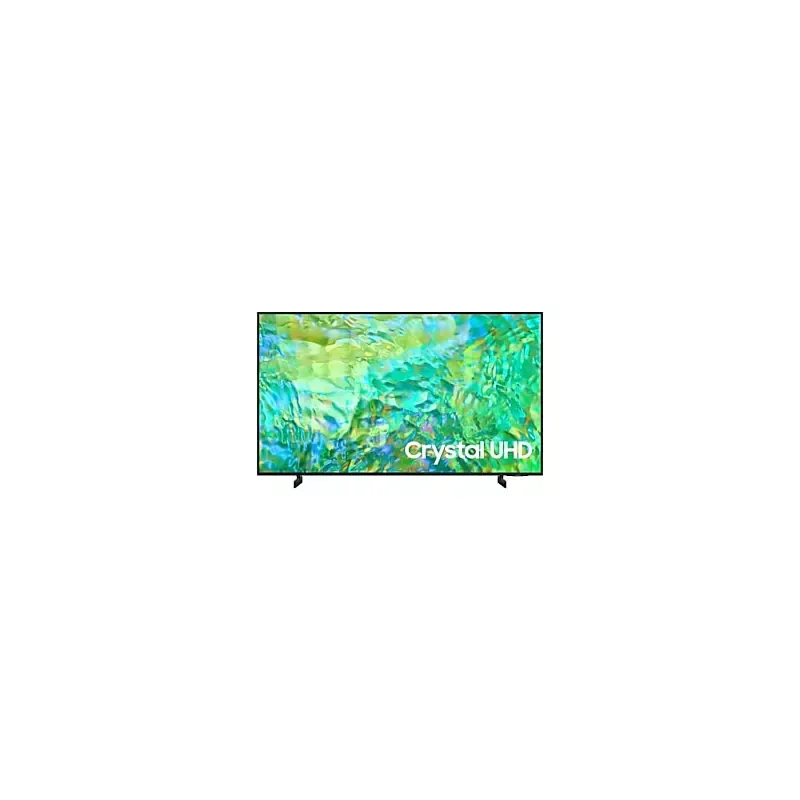

Manual of product UE55CU8072U

Editorial note
The Samsung UE55CU8072U is a television that stands out for its exceptional picture quality, offering a high-definition resolution that significantly enhances the viewing experience when watching movies and series. However, it is worth noting that picture quality may be compromised during the day due to reflections, which can be a drawback for those watching television in bright environments. This model incorporates the latest technological innovations from Samsung, ensuring optimal performance and an intuitive user interface. The user experience is enhanced by an ergonomic design, making navigation through the menus easier. Nevertheless, some users may find the interface complex, especially if they are not familiar with smart TVs. Regarding the design, although it is modern, it may appear too generic for certain interior styles. Additionally, the built-in audio system has limitations in terms of power and depth, which could prompt users to invest in an external audio system for a better sound experience. A positive point to highlight is the availability of a comprehensive user manual, which helps users make the most of their television's features. However, some smart features may require regular updates, which can be cumbersome for users seeking hassle-free usage. In summary, the Samsung UE55CU8072U is an excellent choice for those who prioritize picture quality and technological innovation, but it is important to consider potential limitations in audio and brightness under specific conditions.Score details
User experience
The user experience is enhanced by an ergonomic design and intuitive features, making navigation through menus and access to applications easier.
Performance
The image quality is exceptional under normal conditions, but can be affected by glare in daylight. Performance is generally optimal for movies and series.
Design
The design is modern but may seem too generic for some interiors, which may not suit all styles.
Features
Although the television incorporates technological innovations, some smart features require regular updates, which can be cumbersome.
Support
A comprehensive 264-page user manual is available, which helps users better understand and optimize the use of their television.
sound_quality
The built-in audio system lacks power and depth, prompting the addition of an external audio system for an optimal sound experience.
Advantages
High definition image quality
Advanced and high-performance technology
Reputable and reliable brand
Intuitive and ergonomic navigation
Accessible user manual
Disadvantages
Reflections in broad daylight, altered image quality
Frequent updates of smart features
Built-in audio lacking power and depth
Design too generic for some interiors
User interface considered complex by some
Technical Specifications UE55CU8072U
General Information
-
ModelUE55CU8072U
-
Brand
-
Category
-
Type
-
SKU1756575
-
MPN1756575
Frequently Asked Questions
What is the recommended viewing distance for my Samsung TV?
What should I do if my TV is no longer receiving a signal?
What are the dimensions of my TV screen?
What does the acronym HDMI stand for?
Is it possible to connect devices from different brands via Bluetooth?
Is the manual for the Samsung UE55CU8072U available in French?
Similar products


More product categories from brand Samsung
Television and multimedia Samsung
Home appliances Samsung
Household appliances Samsung
Phones Samsung
Audio Samsung
Other Samsung
Interior Samsung
Tools Samsung
Software Samsung
More product types from brand Samsung


Presentation of product UE55CU8072U specifications from brand Samsung
General Information
The Samsung UE55CU8072U is a television from the renowned brand Samsung, known for its innovation and quality in the electronics sector. This model, with the reference UE55CU8072U, is designed to deliver exceptional performance and enhance the viewing experience.
Advantages
Among the many strengths of this television, we note:
- Remarkable image quality: The Samsung UE55CU8072U offers high-definition resolution, ensuring sharp and vibrant images, ideal for enjoying movies and series.
- Cutting-edge technology: Equipped with the latest innovations from Samsung, this television ensures optimal performance and an intuitive user interface.
- Proven reliability: Samsung is synonymous with durability and performance, providing users with peace of mind regarding the product's longevity.
- Enhanced user experience: With an ergonomic design and practical features, navigating through menus and applications is made easier.
- Accessible user manual: A comprehensive guide is provided, allowing users to maximize the use of the various features of the television.
Disadvantages
Despite its many advantages, the Samsung UE55CU8072U also has some limitations:
- Glare in daylight: Image quality can be compromised by glare, especially in bright environments, due to a limited brightness level.
- Necessary updates: Some smart features may require regular updates, which could be inconvenient for users preferring a hassle-free experience.
- Integrated audio system: The sound may lack power and depth, potentially requiring the integration of an external audio system for a better sound experience.
- Generic design: Although modern, the design may not suit all interior styles, sometimes appearing too standard for some users.
- Complexity of the interface: The user interface may seem complex for some, especially for those unfamiliar with smart televisions.


