
Manuals of product Vaio SVF13N290S
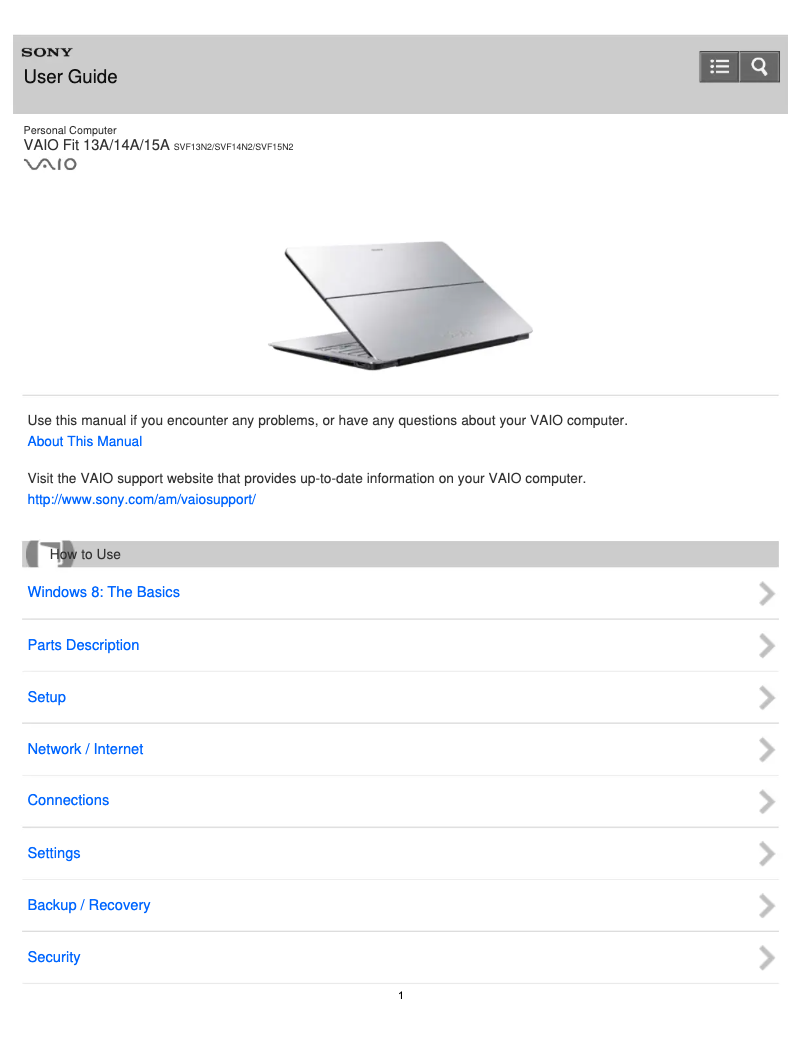

Editorial note
The Sony Vaio SVF13N290S stands out for its reputation for reliability and quality, inherited from the Sony brand. With optimal performance, this laptop is ideal for both work and entertainment, providing a smooth and enjoyable user experience. Its modern and sleek design, combined with its lightweight, makes it a popular choice for users on the go. However, a few drawbacks deserve to be highlighted. Portability can be an issue, as the weight of the Vaio SVF13N290S is relatively high compared to other ultrathin models. Additionally, battery life is limited, which can pose challenges for prolonged use without access to a power outlet. The price, often higher than that of competitors with similar specifications, may also deter some buyers. Finally, connectivity is deemed insufficient due to the limited number of USB ports, while the cooling system can become noisy during intensive tasks. Overall, the Sony Vaio SVF13N290S offers a positive user experience, supported by comprehensive documentation that facilitates setup and use. However, users should consider its limitations in terms of portability and battery life.Score details
User experience
The user experience is overall positive, with optimal performance and an elegant design that facilitates work and entertainment.
Performance
The performance is good for various tasks, but may be limited during intensive applications.
Battery life
The battery life is limited, which can be problematic for prolonged use without access to a power outlet.
Design
The design is modern and sleek, although the weight may be a drawback for those looking for an ultra-portable computer.
Value for money
The price is relatively high compared to similar models, which may deter some buyers, despite the quality of Sony.
Documentation
The documentation is comprehensive with a user manual and installation guide, making setup and use easier.
Usability
The connectivity is deemed insufficient with a limited number of USB ports, which may require additional adapters.
Robustness
The Sony brand ensures a certain robustness and reliability, although the cooling system can be noisy during intensive tasks.
Advantages
Renowned brand for its quality
Smooth performance for work and entertainment
Useful documentation for easy setup
Sleek and lightweight design for portability
Versatile for work, study, and leisure
Disadvantages
Relatively heavy for an ultrathin
Limited battery life
Often too high a price
Insufficient connectivity, few USB ports
Noisy cooling system
Technical Specifications Vaio SVF13N290S
General Information
-
ModelVAIO SVF13N290S
-
Brand
-
Category
-
Type
-
SKU1417855
-
MPN1417855
Frequently Asked Questions
What factors influence download speed on the Internet?
What are the dimensions of my laptop screen?
What does the acronym HDMI mean?
What is the best method to clean my laptop?
How can I clean my keyboard?
What is Bluetooth?
Is the manual for the Sony Vaio SVF13N290S available in French?
Similar products


More product categories from brand Sony
Audio Sony
Television and multimedia Sony
Computers and accessories Sony
Camera and photography Sony
Other Sony
Phones Sony
Software Sony
Interior Sony
More product types from brand Sony


Presentation of product Vaio SVF13N290S specifications from brand Sony
General Information
The Sony Vaio SVF13N290S laptop embodies the excellence of the Sony brand, known for its commitment to quality and technological innovation. This model is designed to deliver optimal performance, contributing to a smooth user experience for both work and entertainment.
The Vaio SVF13N290S stands out with its sleek and lightweight design, making it a practical choice for users on the go. Its versatility allows it to adapt to various applications, whether for professional tasks, studies, or leisure moments.
Advantages
- Recognized brand: Sony's reputation ensures a reliable and durable product.
- Optimal performance: Designed to provide a smooth user experience.
- Comprehensive documentation: Includes a user manual and installation guide to facilitate setup.
- Modern design: Its lightweight and aesthetic format is ideal for mobile users.
- Versatility: Suitable for various activities, from work to leisure.
Disadvantages
- Weight: Relatively heavy compared to other ultrathin models, which can complicate transport.
- Battery life: Limited, which can be an issue for prolonged use without access to a power outlet.
- Price: Often higher than that of competitors with similar specifications, which may deter some buyers.
- Connectivity: Limited number of USB ports, sometimes requiring additional adapters.
- Cooling: The system can become noisy during intensive tasks, which can be distracting in quiet environments.


