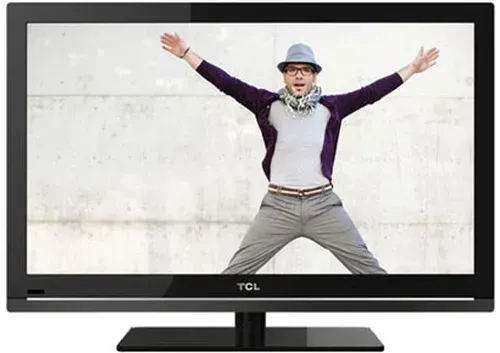
Thumbnail of product QLED 75C643 from brand TCL
Logo of brand TCL

Television TCL QLED 75C643

Discover the TCL QLED 75C643 television, a model that combines cutting-edge technology and contemporary design. With a 75-inch diagonal, this QLED screen offers exceptional picture quality, allowing you to enjoy your favorite movies and series with vibrant colors and enhanced contrast.

The TCL brand is recognized for its commitment to innovation and performance, and the QLED 75C643 is no exception. This television is designed to ensure an immersive viewing experience, ideal for movie lovers and video game enthusiasts. Its intuitive user interface makes it easy to navigate through your favorite apps and streaming content.

Additionally, the TCL QLED 75C643 comes with a user manual, allowing you to discover all the features of your new device with ease. For those looking for a television that combines generous size and advanced technology, the TCL QLED 75C643 is a choice that will meet your expectations.

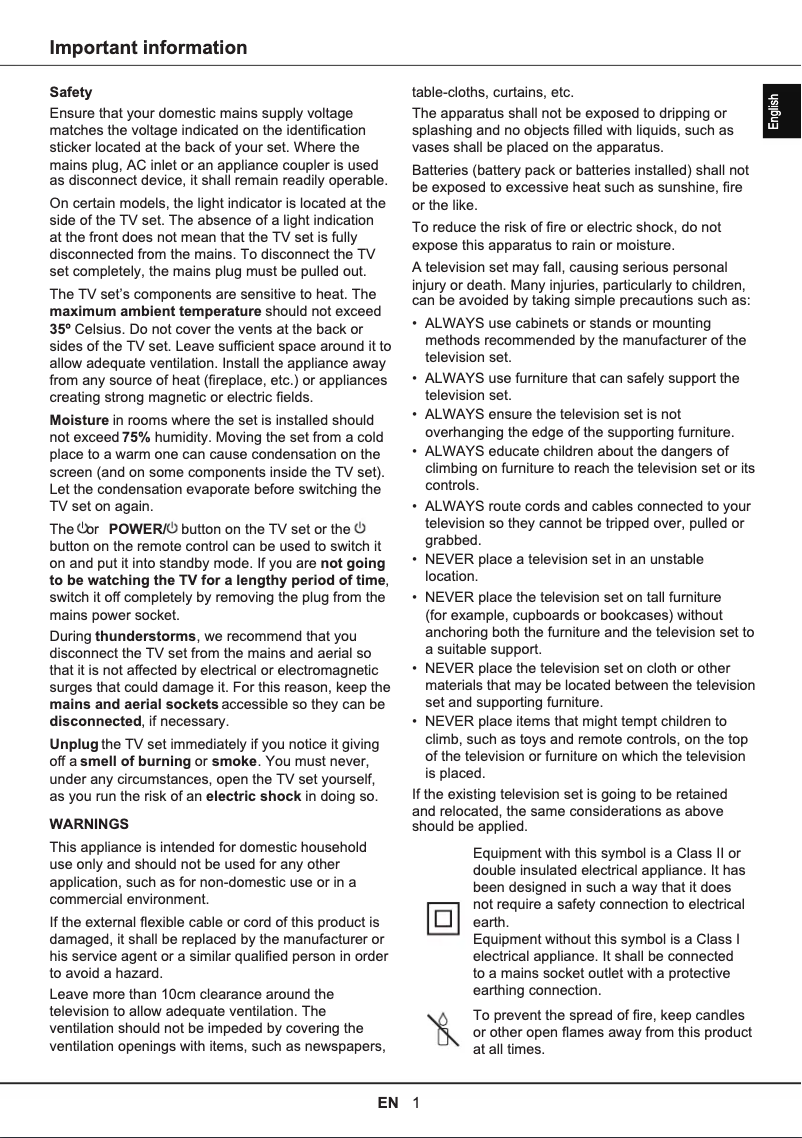
Manual of product QLED 75C643
8 10

Editorial note

The TCL QLED 75C643 television stands out for its exceptional picture quality, thanks to QLED technology that offers vibrant colors and striking contrasts. With a generous size of 75 inches, it is ideal for spacious living rooms, allowing for full enjoyment of movies, series, and sporting events. The TCL brand is synonymous with reliability and innovation, ensuring a durable and high-performing product. However, the price of the TCL QLED 75C643 may be a barrier for some consumers, being higher than other similar models. Additionally, while the picture quality is generally appreciated, some users note that the viewing angles are not optimal, leading to discoloration when viewing the screen from the side. The integrated operating system may also lack some modern applications and require frequent updates to remain relevant. Finally, although the user experience is overall enhanced by a user-friendly interface, the audio quality may disappoint, potentially necessitating the purchase of a soundbar for a satisfying sound experience. In summary, the TCL QLED 75C643 is an excellent choice for those seeking high picture quality and an attractive design, but it is important to consider its limitations in terms of budget and audio features.

Score details

User experience

The user experience is enhanced by advanced features and a user-friendly interface, making it easier to access your favorite content.

Performance

The picture quality is exceptional thanks to QLED technology, offering vibrant colors and pronounced contrasts, although some users report less than optimal viewing angles.

Value for money

The price is high compared to other similar models, which may not suit all budgets.

Design

The large 75-inch size is ideal for spacious living rooms and allows for full enjoyment of movies and sporting events.

Support

The TCL brand is known for its reliability and innovation, ensuring a durable product, but the operating system may lack some modern applications.

Usability

Although the interface is user-friendly, frequent updates to the operating system are necessary to ensure access to modern features.

audio_quality

The sound does not match the visual performance, potentially requiring the purchase of an additional soundbar for a satisfactory audio experience.


Advantages

QLED image quality, vibrant colors

Large 75-inch screen

TCL brand, reliable and innovative

User-friendly interface, easy access to content

Compatible with various multimedia formats

Disadvantages

High price compared to other models

Limited viewing angles, possible discoloration

Missing apps and updates

75-inch size not suitable for some spaces

Insufficient sound quality, soundbar recommended

Technical Specifications QLED 75C643

General Information

Frequently Asked Questions

What is the recommended viewing distance for my TCL TV?
The optimal viewing distance for your TCL TV varies depending on the screen size. Generally, it is advised to sit about 2.4 times the diagonal of the screen.
What should I do if my TV is not receiving a signal?
If your TV is not picking up a signal, check the following: - Make sure the TV is set to the correct source. - Ensure that the TV is properly connected via the HDMI or SCART input.
What are the dimensions of my TV screen?
The size of your TV is usually indicated in inches, where 1 inch equals 2.54 centimeters. This size corresponds to the diagonal of the screen, which you measure from the bottom left corner to the top right corner.
What does the acronym HDMI stand for?
HDMI stands for High-Definition Multimedia Interface. An HDMI cable is used to transmit audio and video signals between different devices.
Is it possible to connect devices from different brands via Bluetooth?
Yes, Bluetooth technology is universal and allows devices from different brands to connect to each other.
How do I pair the exclusive remote control with my TCL QLED 75C643 TV?
To pair the exclusive remote control with your TCL QLED 75C643 TV, follow these steps: 1. Make sure the TV is on and the remote has fresh batteries. 2. Press the Google Assistant button located at the top right of the remote. 3. If this is the first pairing, follow the on-screen instructions. 4. The TV will ask you to press certain buttons on the remote to complete the pairing. 5. Once the pairing is successful, you can use the remote to navigate menus, adjust settings, manage sound, change channels, select input sources, and more. Note that the features of the remote may vary by model. Always refer to the manual and on-screen instructions for more details.
Why is my remote control not responding to the commands of the TCL QLED 75C643 TV?
If the remote control is not responding to your TCL QLED 75C643 TV, several reasons may be causing this. Here are some steps to troubleshoot the issue: 1. Check the batteries: Make sure they are not dead. If necessary, replace them. 2. Check the line of sight: Ensure that no objects are blocking the signal between the remote and the TV. 3. Reset the remote: Remove the batteries, press all the buttons to eliminate any residual power, then reinsert the batteries. 4. Re-pair the remote: If it is not yet paired, follow the on-screen guide. This is especially important if you have just acquired the TV or are using a new remote. 5. Check for interference: Other electronic devices, such as fluorescent lamps or wireless routers, may disrupt the signal. Move these devices away or turn them off temporarily to see if it helps. By following these tips, you should be able to resolve the remote control issue.
How can I access the quick settings panel on the TCL QLED 75C643 TV?
To access the quick settings panel on your TCL QLED 75C643 TV, do the following: 1. Press the 'Settings' button on the remote, represented by a gear icon. 2. Use the navigation buttons to select 'System'. 3. In the 'System' menu, choose 'About' and press OK. 4. Scroll and select 'Reset', then press OK. 5. In the 'Reset' menu, choose 'Factory Reset' and confirm with OK. 6. If prompted, enter your password or PIN. 7. Select 'OK' and press OK again to confirm the reset. 8. The TV will restart with the default factory settings. 9. After this operation, the welcome screen will appear, and follow the instructions to reconfigure your TV. Note that these steps are specific to the TCL QLED 75C643 and may vary slightly for other models.
Is the manual for the TCL QLED 75C643 available in French?
Unfortunately, the manual for the TCL QLED 75C643 is not available in French; it is only offered in English.

Similar products


Discover the technical sheet of 55LED1600 from Salora and its manuals...
Available manuals:
Discover the technical sheet of 28LED1600 from Salora and its manuals...
Available manuals:
Discover the technical sheet of L39F3390FC from TCL and its manuals...
Available manuals:
Discover the technical sheet of 43LED1600 from Salora and its manuals...
Available manuals:
Discover the technical sheet of 50DP660 from TCL and its manuals...
Available manuals:
Discover the technical sheet of L32D3300C from TCL and its manuals...
Available manuals:
Discover the technical sheet of 20LED1600 from Salora and its manuals...
Available manuals:
Discover the technical sheet of U60P6026 from TCL and its manuals...
Available manuals:
Discover the technical sheet of 22LED1600 from Salora and its manuals...
Available manuals:
Discover the technical sheet of 65DP660 from TCL and its manuals...
Available manuals:
Discover the technical sheet of 43DP640 from TCL and its manuals...
Available manuals:
Discover the technical sheet of 32LED1600 from Salora and its manuals...
Available manuals:

Presentation of product QLED 75C643 specifications from brand TCL

General Information

The TCL QLED 75C643 is a high-end television from the renowned brand TCL, distinguished by its commitment to quality and innovation in the electronics sector. This model, with its QLED technology, offers a captivating visual experience thanks to vibrant colors and striking contrasts, allowing you to immerse yourself in your favorite movies, series, and sporting events.

With an impressive size of 75 inches, this television is ideal for large living rooms, creating an immersive atmosphere for the whole family. The user-friendly interface and advanced features make it easy to access your favorite content, making daily use enjoyable and intuitive.

However, it is important to consider certain aspects. Although its price reflects its performance and quality, it may not fit all budgets. Additionally, some users have noticed that the viewing angles are not optimal, leading to color distortion when viewed from the sides of the screen. Finally, the generous size of the television requires an adequate viewing distance to fully enjoy the experience, and the audio system, while acceptable, may require the addition of a soundbar for complete sound immersion.

Technical Specifications

The TCL QLED 75C643 is equipped with QLED technology, which ensures exceptional image quality. With support for various formats and resolutions, it is compatible with most modern multimedia sources. This model positions itself as a top choice for those seeking a television that offers both high-level visual performance and advanced features.