

Manual of product Hero 10
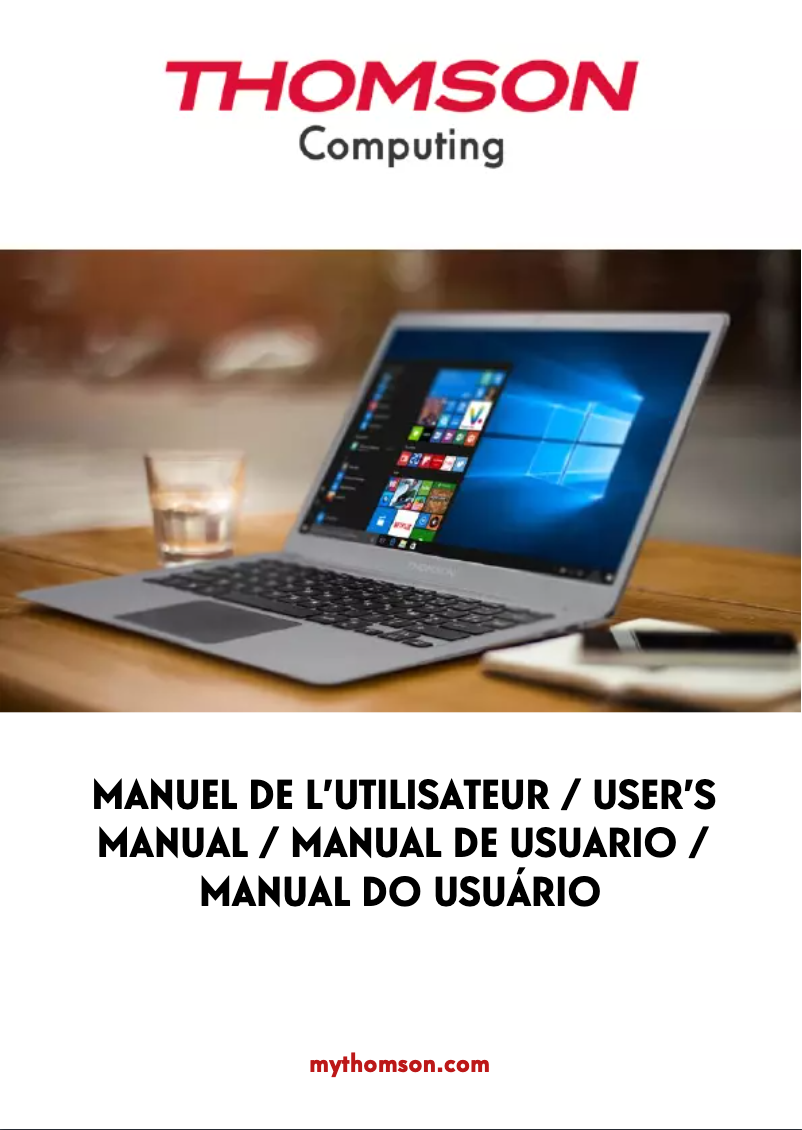
Editorial note
The Thomson Hero 10 stands out for its smooth performance, making it enjoyable for both work and entertainment. Its user-friendly interface enhances the user experience, facilitating access to various features. Additionally, the included documentation, with a detailed user manual, allows new users to quickly familiarize themselves with the tablet. However, it is worth noting that the Hero 10 has some limitations. Its performance may not be sufficient for intensive tasks such as video editing or heavy gaming, due to its limited processor and memory. Battery life could also be improved, which may lead to interruptions during prolonged use. Furthermore, the screen may lack brightness and contrast, affecting the visual experience in well-lit environments. Finally, the quality of the materials used in its construction raises questions about its durability. Overall, the Thomson Hero 10 offers good value for money for versatile use, although it may not meet the expectations of more demanding users.Score details
Performance
Although the Thomson Hero 10 offers smooth performance for everyday tasks, it may be insufficient for intensive applications like video editing or heavy gaming due to its limited processor and memory.
User experience
The user experience is enhanced by a user-friendly interface that makes navigation and access to features easier.
Battery life
The battery life could be improved, leading to interruptions during prolonged use.
Design
The quality of the materials used in the construction may seem less robust, raising concerns about durability and shock resistance.
Documentation
The included documentation, with a detailed user manual, allows new users to quickly familiarize themselves with the tablet's features and functionalities.
Value for money
The Thomson Hero 10 represents good value for money for versatile use, but it may not meet the needs of demanding users.
Advantages
Smooth and optimized performance
Brand recognized for its quality
User-friendly and intuitive interface
User manual included
Versatile for work and leisure
Disadvantages
Limited performance for intensive tasks
Insufficient battery life
Dim and low-contrast screen
Operating system sometimes slow
Fragile construction materials
Technical Specifications Hero 10
General Information
-
ModelHERO 10
-
Brand
-
Category
-
Type
-
SKU1349187
-
MPN1349187
Frequently Asked Questions
What factors influence download speed on the Internet?
What are the dimensions of my tablet's screen?
How do I perform a left click on the touchscreen of the Thomson Hero 10 tablet?
How do I troubleshoot if the touchscreen scrolling is not working properly?
Is the user manual for the Thomson Hero 10 available in French?
Similar products


More product categories from brand Thomson
Audio Thomson
Household appliances Thomson
Phones Thomson
Home appliances Thomson
Other Thomson
Interior Thomson
Tools Thomson
More product types from brand Thomson




Presentation of product Hero 10 specifications from brand Thomson
General Information
The Thomson Hero 10 is a tablet designed by the Thomson brand, which is recognized for its commitment to quality and innovation in the electronics sector. This model, the Hero 10, aims to provide optimal performance while enhancing the user experience.
Advantages
The Thomson Hero 10 stands out for its optimized performance, allowing for smooth use for both work and leisure activities. As a product of the Thomson brand, it benefits from the expertise of a company renowned for its quality. Its user-friendly interface facilitates navigation, contributing to an improved user experience. Additionally, a user manual is included, allowing new users to quickly familiarize themselves with its features. This tablet also proves to be versatile, suitable for a variety of applications, whether for work, study, or entertainment.
Disadvantages
Despite its strengths, the Thomson Hero 10 has certain limitations. Its performance may be insufficient for demanding tasks such as video editing or resource-intensive gaming, due to its processor and memory. Battery life could also be improved, risking interruptions during prolonged use. Furthermore, the screen may lack brightness and contrast compared to other competing models, which can detract from the visual experience in well-lit environments. The operating system may, at times, be less optimized than those of other tablets, causing slowdowns or bugs. Finally, the quality of the materials may seem less robust, raising concerns about the durability and shock resistance of the device.


