

Manuals of product 512262
Editorial note
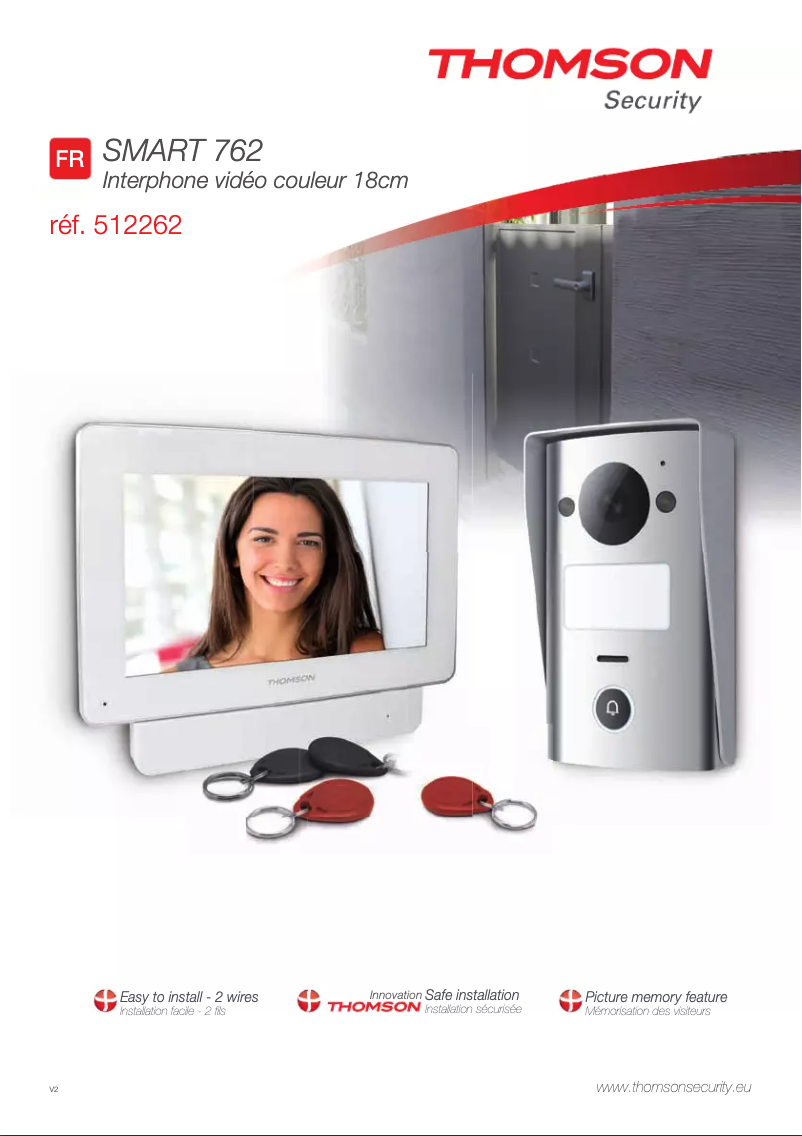
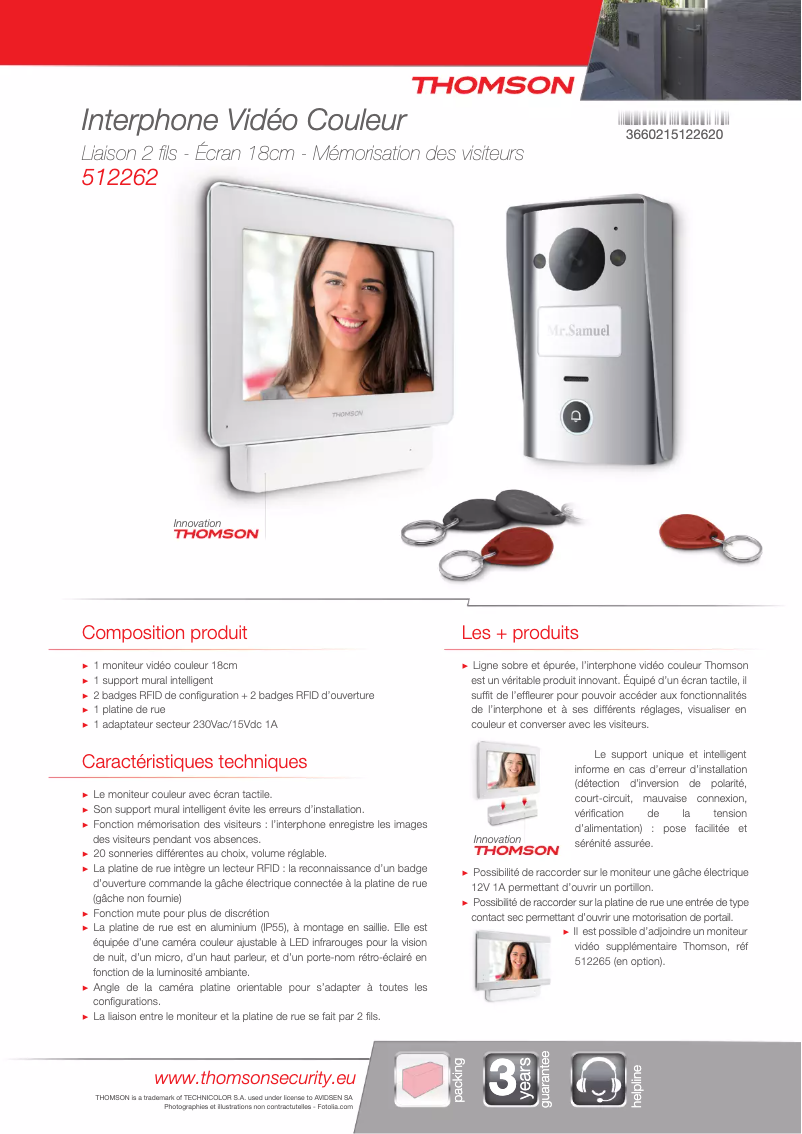
The Thomson 512262 phone stands out for its quality and innovation, intrinsic characteristics of the Thomson brand. This model ensures optimal performance, thus providing a pleasant and smooth user experience. Its ergonomic design allows for a comfortable grip, facilitating daily use. Moreover, the availability of documents such as the user manual and the technical sheet contributes to an easy handling. However, a few points could be improved. The battery life may prove insufficient for heavy users, requiring frequent recharges. The user interface, while functional, might lack modernity and some advanced features compared to other competing models. Additionally, the design, although practical, may seem basic and unappealing compared to more stylish options available on the market. Finally, the photographic performance may disappoint mobile photography enthusiasts. Overall, the Thomson 512262 offers good value for money, supported by the brand's reputation. Although it has its limitations, it meets the needs of modern users by providing a reliable and accessible device.Score details
User experience
The user experience is generally satisfactory, with an intuitive handling and features suitable for daily use.
Performance
The performance is generally good, but may be limited for heavy users, especially in photography.
Battery life
The battery life may be insufficient for heavy users, requiring frequent recharges.
Design
The design is ergonomic, but may seem basic and unappealing compared to newer models.
Value for money
The value for money is satisfactory, considering the brand's reputation for quality and innovation.
Documentation
The accessibility of documents such as the user manual and technical sheet facilitates the handling and use of the phone.
Advantages
Brand recognized for its reliability.
Optimal performance for a smooth experience.
Easily accessible documentation for the user.
Features suited for everyday use.
Ergonomic design for a comfortable grip.
Disadvantages
Insufficient battery life
Outdated user interface
Lack of customization options
Basic and unappealing design
Disappointing photo performance
Frequently Asked Questions
How do I perform the initial setup of my Thomson 512262 phone?
How do I adjust the screen brightness on my Thomson 512262?
How do I transfer my contacts from another device to the Thomson 512262?
How do I take a screenshot on the Thomson 512262?
What are some tips to extend the battery life of my Thomson 512262?
Is the user manual for the Thomson 512262 available in French?
Similar products


More product categories from brand Thomson
Audio Thomson
Household appliances Thomson
Phones Thomson
Home appliances Thomson
Other Thomson
Interior Thomson
Tools Thomson
More product types from brand Thomson




Presentation of product 512262 specifications from brand Thomson
General Information
The Thomson 512262 is a phone from the Thomson brand, known for its commitment to quality and innovation in the electronics sector. This model, the 512262, is designed to provide optimal performance, ensuring a smooth user experience.
Advantages
This phone has several notable advantages:
- The reputation of Thomson ensures reliability and durability of the product.
- The model 512262 is optimized for daily use, thus meeting the needs of modern users.
- The accessible documentation, including the user manual, makes it easy to get started with the phone.
- Its ergonomic design allows for a comfortable grip, making it intuitive to use.
Disadvantages
However, the Thomson 512262 also has some disadvantages:
- The battery life may be insufficient for heavy users, leading to frequent recharges.
- The user interface may lack modernity and advanced features compared to other models on the market.
- The lack of customization options may limit the experience for those seeking a more adaptable phone.
- The design may seem basic and less attractive than other newer models.
- The photographic performance may not meet the expectations of mobile photography enthusiasts.


