
Manual of product 2 Extended
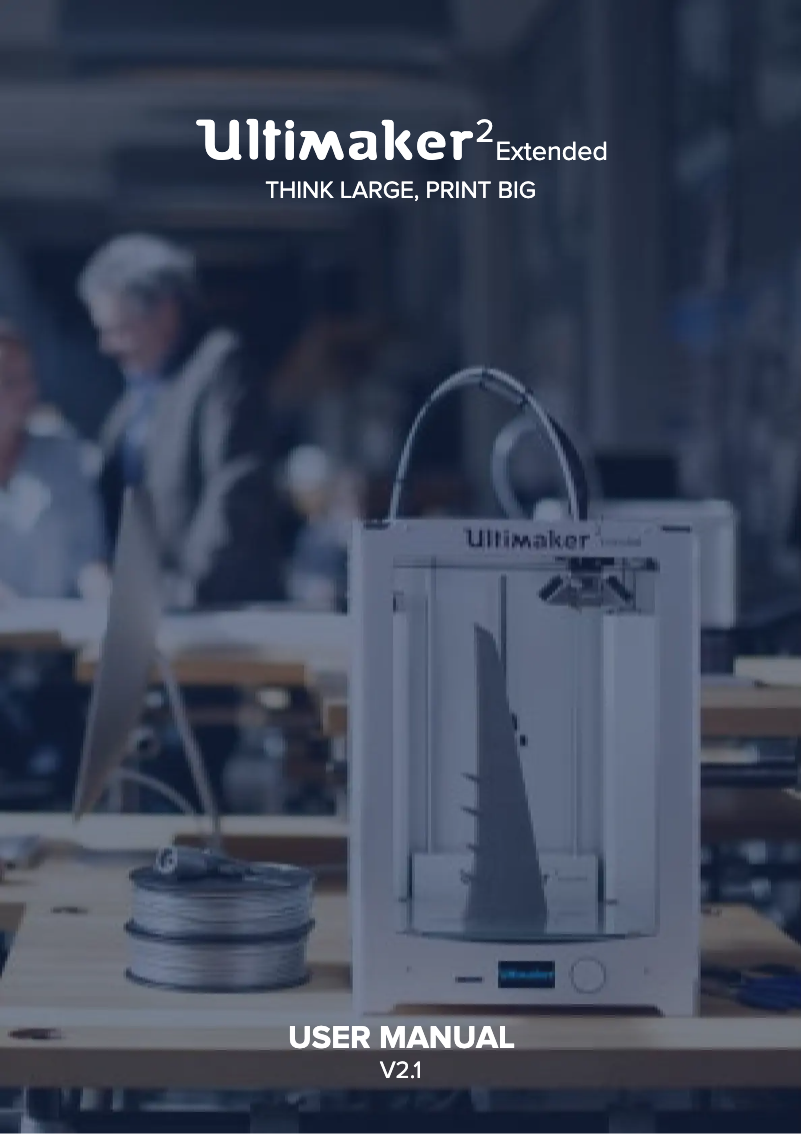
Editorial note
The Ultimaker 2 Extended stands out for its impressive performance and superior print quality. With its generous print volume, it allows for ambitious projects, whether for larger parts or for printing multiple objects simultaneously. The precise details and smooth finish meet the expectations of professional users and 3D printing enthusiasts. However, its relatively high price may be a barrier for hobbyists or those with a limited budget. Additionally, its size and weight can complicate transport and installation, especially in tight spaces. Novice users might also find maintenance and troubleshooting a bit complex, sometimes requiring advanced technical skills. Finally, the print time can be long, particularly for large objects, which can impact productivity. In terms of user experience, the Ultimaker 2 Extended features an intuitive interface and a clear manual, making it easy to use even for beginners. Its robustness is also an asset, as it is designed to last, providing a stable printing experience over the long term. The presence of a large user community also allows for easy access to advice and resources, although maintenance support may pose challenges for some. Overall, the Ultimaker 2 Extended is a high-quality 3D printer, ideal for those seeking exceptional performance and reliability, despite a few drawbacks to consider.Score details
User experience
The Ultimaker 2 Extended offers an enhanced user experience thanks to its intuitive interface and clear user manual, making it easy to use even for beginners.
Performance
The printing performance is very good, with superior print quality and precise details, although the printing time can be long for large objects.
Value for money
The price of the Ultimaker 2 Extended is relatively high, which can be a barrier for hobbyists or those on a limited budget.
Robustness
Designed by a brand known for its quality, the Ultimaker 2 Extended is built to last and provides a stable and consistent printing experience over the long term.
Support
The large user community allows easy access to advice and resources, although maintenance and troubleshooting can be complex for novices.
Usability
Ease of use is a strong point, but the size and weight of the printer can make transport and installation more difficult in tight spaces.
Advantages
Large print volume
High print quality
Easy to use for beginners
Reliability and durability
Active community support
Disadvantages
High price for amateur users
Difficult transport and installation
Complex maintenance for beginners
Long printing time
Limited compatibility with certain materials
Technical Specifications 2 Extended
General Information
-
Model2 EXTENDED
-
Brand
-
Category
-
Type
-
SKU1652813
-
MPN1652813
Frequently Asked Questions
What is the optimal way to remove paper jammed in the printer?
Why is my printer not recognizing the original cartridges?
What are the reasons if my prints are of poor quality?
What is the difference between a laser printer and an inkjet printer?
Why does my inkjet printer leave black streaks on prints?
What does the acronym DPI mean?
Is the manual for the Ultimaker 2 Extended available in French?
Similar products


More product categories from brand Ultimaker
More product types from brand Ultimaker

Presentation of product 2 Extended specifications from brand Ultimaker
General Information
The Ultimaker 2 Extended, a product of the renowned brand Ultimaker, is a 3D printer designed to deliver remarkable performance and an enhanced user experience. Known for its commitment to quality and innovation, the Ultimaker brand stands out as a leader in the field of printing technologies.
Advantages
Generous print volume: The Ultimaker 2 Extended is distinguished by its ability to print large objects, which is particularly useful for ambitious projects or creating multiple parts simultaneously.
Exceptional print quality: Thanks to its advanced technology, this printer guarantees precise details and a smooth finish, meeting the expectations of both professionals and 3D printing enthusiasts.
Ease of use: Equipped with a clear user manual and an intuitive interface, the Ultimaker 2 Extended is accessible even to beginners, thus facilitating learning and handling of the device.
Reliability and durability: Designed to last, this printer ensures a stable and consistent printing experience, reinforcing users' confidence in its long-term performance.
Community support: Due to its popularity, the Ultimaker 2 Extended benefits from a large community of users, providing easy access to advice, tips, and various online resources.
Disadvantages
High cost: The price of the Ultimaker 2 Extended can be a barrier for hobbyist users or those with a limited budget.
Size and weight: Its format can make transport and installation more difficult, especially in tight spaces.
Maintenance complexity: For novice users, maintenance and troubleshooting can prove complex, sometimes requiring advanced technical skills.
Print time: The printing duration can be long, particularly for large objects, which may potentially restrict productivity.
Material compatibility: Some users may find that compatibility with various printing materials is limited, thus restricting their creative options.


