

Manual of product WorkCentre 7755V EW
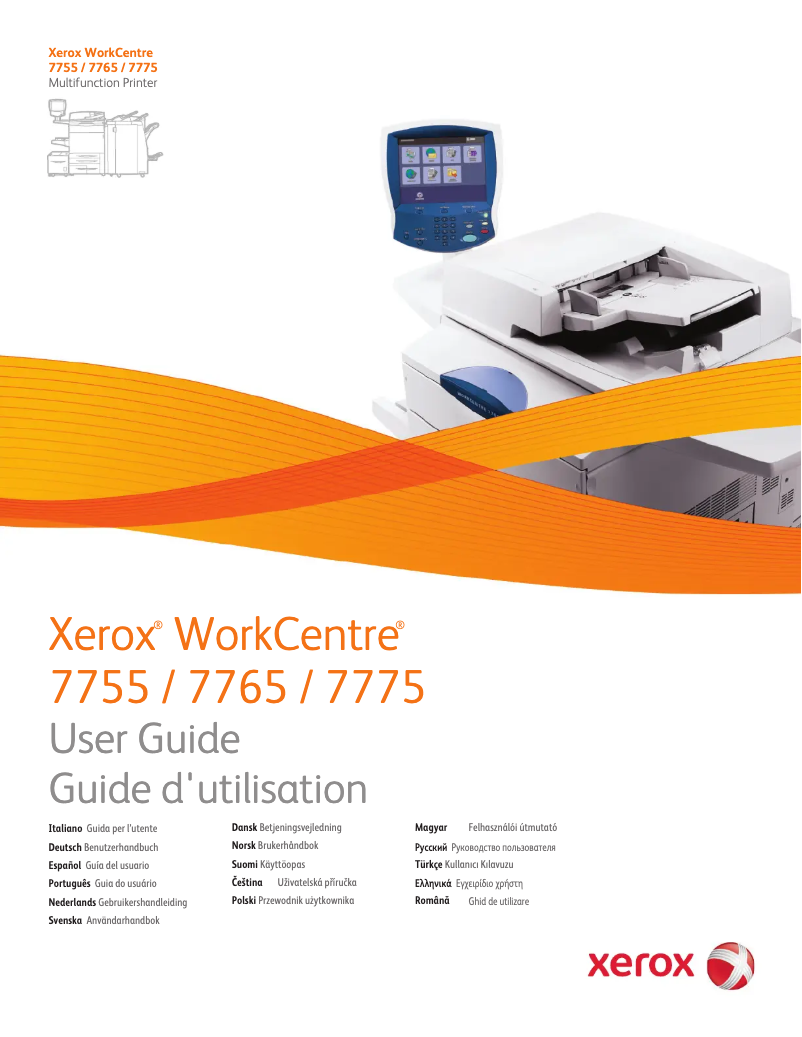
Editorial note
The Xerox WorkCentre 7755V EW stands out for its impressive printing speed, reaching 55 pages per minute in black and 40 pages per minute in color. This performance perfectly meets the high printing needs of professionals, thus optimizing work time. Additionally, its maximum resolution of 2400 x 2400 DPI ensures prints of exceptional clarity, ideal for professional documents and images. This all-in-one device offers various features such as printing, copying, scanning, and faxing, making it versatile for different office needs. The user interface is intuitive thanks to a touchscreen, making navigation easier and daily operations simpler and more convenient. Ethernet/LAN connectivity allows for easy integration into an office environment, promoting the sharing of printing resources. However, some drawbacks deserve to be highlighted. The Xerox WorkCentre 7755V EW is not compatible with Mac systems, limiting its use for some users. Furthermore, the lack of a duplex scanning function can be a disadvantage for those who wish to scan documents on both sides efficiently. Weighing 351 kg, this device can also pose challenges for moving and installation, especially in tight workspaces. Finally, its power consumption of 1096 W could lead to higher operating costs, particularly for intensive use. Overall, the Xerox WorkCentre 7755V EW positions itself as a solid choice for professionals seeking a high-performance and versatile printer, despite some notable limitations in compatibility and features.Score details
User experience
The user interface is intuitive thanks to the touchscreen, making daily operations simple and convenient.
Performance
The high printing speed of 55 ppm in black and 40 ppm in color helps optimize work time, thus meeting significant printing needs.
Features
The all-in-one features (printing, copying, scanning, faxing) make this device versatile and suitable for various office needs.
Design
The weight of 351 kg can pose challenges for moving and installation, especially in tight workspaces.
Value for money
The power consumption of 1096 W can lead to higher operating costs, which can be a disadvantage for heavy use.
Usability
The lack of compatibility with Mac systems and the absence of duplex scanning may limit use for some users.
Advantages
Fast printing: 55 pages/min in black."
Image quality: 2400 x 2400 DPI."
All-in-one features: printing, copying, scanning, faxing."
Touchscreen for easy navigation."
Network connectivity for simplified sharing.
Disadvantages
Not compatible with Mac systems.
No duplex scanning.
Weight of 351 kg, difficult to move.
High power consumption (1096 W).
No Wi-Fi connectivity.
Technical Specifications WorkCentre 7755V EW
General Information
-
ModelWORKCENTRE 7755V EW
-
Brand
-
Category
-
Type
-
SKU237355
-
MPN237355
Print speed
-
Maximum resolution2400 x 2400 DPI
-
Print speed (black, normal quality, A4/US Letter)55 ppm
-
Print speed (color, normal quality, A4/US Letter)40 ppm
-
Printing technologyLaser
-
PrintingColor printing
Copier
-
Copy speed (normal quality, black, A4)55 cpm
-
Copy speed (normal quality, color, A4)40 cpm
-
CopySingle copy
Design
-
Touch screenYes
-
Market positionProfessional
-
Order typeTouchscreen
Representation / realization
-
Internal memory2000 MB
-
Internal storage capacity80 GB
-
Processor frequency1800 MHz
-
Mac CompatibilityYes
Network
-
Ethernet/LANYes
-
WifiNo
Other features
-
Dimensions (LxWxH)2096 x 782 x 1369 mm
-
Compatible operating systemsWindows 2000, XP, Vista, Windows Server 2003 +, Mac OS X, 10.3 +, UNIX & Linux
-
Power supply1096 W
-
All-in-one functionsCopy, Fax, Scan
-
All-in-one color functionsprint, scan
Weight and dimensions
-
Weight351000 g
Environmental conditions
-
Operating temperature10 - 28 °C
-
Operating relative humidity (H-H)10 - 85 %
Digitization
-
DigitizationColor scanning
-
Double-sided scanningYes
Fax
-
FaxSimple fax
Features
-
Digital senderNo
Frequently Asked Questions
What is the weight of the Xerox WorkCentre 7755V EW?
What is the recommended method for removing paper jammed in the printer?
Why is my printer refusing to accept original cartridges?
What are the possible reasons for poor print quality?
What is the difference between a laser printer and an inkjet printer?
Why is my inkjet printer producing black streaks?
What does the acronym DPI mean?
What is the memory capacity of the Xerox WorkCentre 7755V EW?
Is the manual for the Xerox WorkCentre 7755V EW available in French?
Similar products


More product categories from brand Xerox
Other Xerox
More product types from brand Xerox


Presentation of product WorkCentre 7755V EW specifications from brand Xerox
General Information
The Xerox WorkCentre 7755V EW printer is a multifunction device designed by the renowned brand Xerox, famous for its innovation and quality in the office equipment sector. This model, the WorkCentre 7755V EW, ensures remarkable performance and an optimized user experience.
Print Speed
With a maximum resolution of 2400 x 2400 DPI, the Xerox WorkCentre 7755V EW produces prints of exceptional clarity, perfect for professional documents and high-quality images. It achieves a print speed of 55 pages per minute in black and 40 pages per minute in color, thus ensuring efficiency for daily use. Thanks to its laser printing technology, this device delivers precise and high-quality results.
Copier
The integrated copier offers a speed of 55 copies per minute in black and 40 copies per minute in color, allowing for quick, high-quality prints. The color copy function ensures vibrant reproductions that are true to the original colors.
Design and Interface
Equipped with a touchscreen, the Xerox WorkCentre 7755V EW makes navigation and daily use easy, making each operation intuitive. This model is primarily aimed at professionals, with features tailored to their specific requirements.
Performance and Storage
For smooth operation, this device has an internal memory of 2000 MB and a storage capacity of 80 GB. Its processor operates at a frequency of 1800 MHz, ensuring optimal overall performance. It is worth noting that this device is not compatible with Mac systems.
Connectivity
The Xerox WorkCentre 7755V EW includes Ethernet/LAN connectivity for easy integration into an office network. However, it does not have Wi-Fi connectivity, which requires a wired connection for printer access.
Other Features
The dimensions of the device are 2096 x 782 x 1369 mm, ensuring a proper fit in various work environments. Compatible with Windows XP, Vista, and 7 operating systems, it offers smooth usage. The Xerox WorkCentre 7755V EW consumes 1096 W of power, which can lead to significant operating costs, especially during intensive use. It offers all-in-one functions including printing, copying, scanning, and faxing, thus meeting a variety of office needs.
Weight and Dimensions
With a weight of 351 kg, this model can be difficult to move, which may pose challenges in tight spaces.
Environmental Conditions
For optimal operation, the printer functions within a temperature range of 10 to 28 °C and a relative humidity of 10 to 85 %.
Scanning
The Xerox WorkCentre 7755V EW offers a color scanning function, allowing for vibrant reproductions. However, it does not offer a duplex scanning function.
Fax
The integrated fax machine allows for simple and efficient sending and receiving of documents.
Additional Features
This model does not have a digital sending function, which could limit certain shipping management options.


