

Manual of product iMZ220
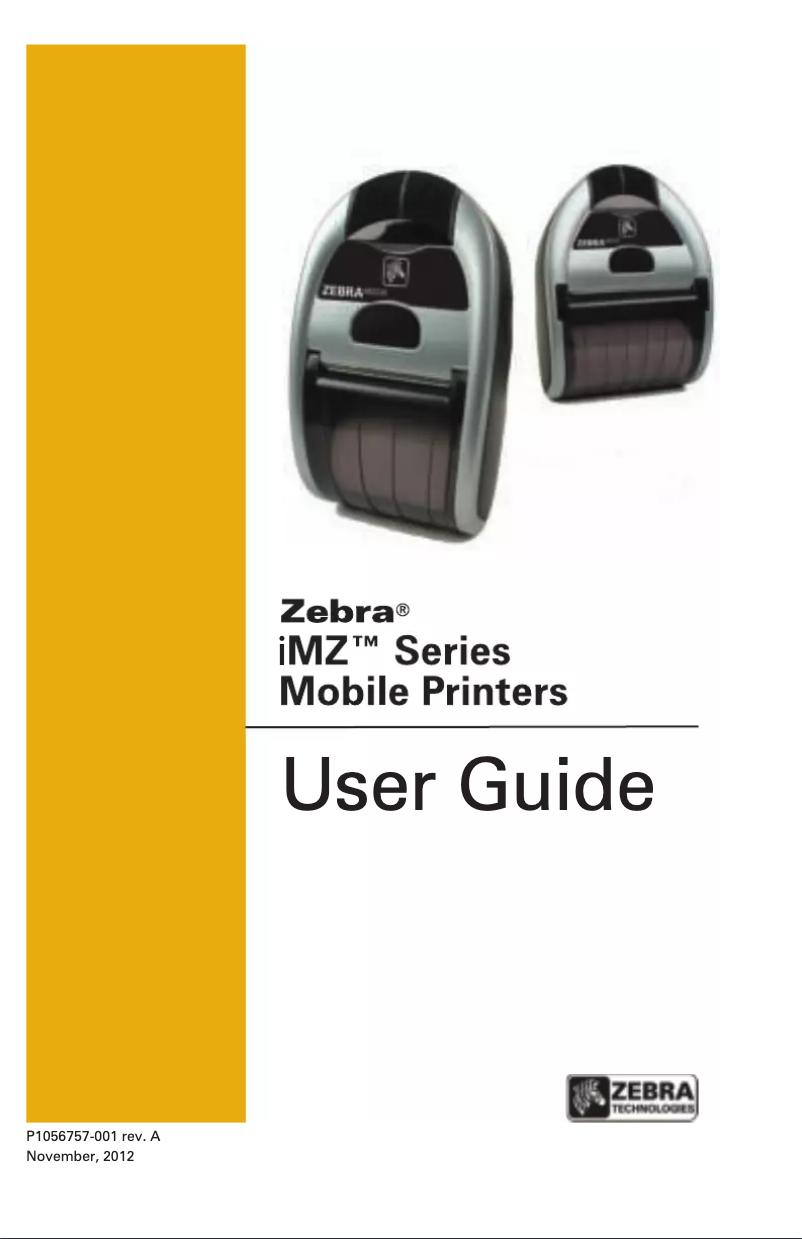
Editorial note
The Zebra iMZ220 printer is a smart choice for those looking for an efficient mobile printing solution. Its direct thermal printing technology ensures optimal quality and precise results, making it an ideal tool for both professional and personal use. With a printing speed of 102 mm/sec, it offers satisfactory performance, although its maximum print width of 50.8 mm may limit its use for certain types of documents. The compact and lightweight design of the iMZ220, weighing only 320 g, makes it easy to integrate into various spaces while adding a modern touch with its silver finish. Its wireless connectivity via Wi-Fi and Bluetooth is a major advantage, although the lack of Ethernet/LAN connectivity may restrict some options in professional environments. In terms of robustness, this printer is dust and splash resistant, ensuring durability in varied conditions. However, it is worth noting that the thermal printing technology may lead to fading of prints over time, especially with exposure to light or heat. Additionally, the limited compatibility with older operating systems like Windows XP, Vista, and 7 could pose challenges for users of more recent technologies. In conclusion, the Zebra iMZ220 stands out for its performance, design, and robustness, but has limitations in terms of connectivity and software compatibility. It is a solid choice for those who need a portable and efficient printer, provided they take into account its few drawbacks.Score details
User experience
The user experience is generally positive thanks to direct thermal printing technology that ensures optimal results for professional and personal needs.
Performance
The performance is satisfactory with a printing speed of 102 mm/sec, but the maximum printing width of 50.8 mm may be limiting for some documents.
Battery life
The nickel-metal hybrid (NiMH) battery offers good autonomy, but the user should be aware that thermal printing technology can lead to discoloration over time.
Design
The compact and lightweight design (320 g) allows for easy integration into various spaces while remaining aesthetically pleasing with its silver finish.
connectivity
Wireless connectivity via Wi-Fi and Bluetooth is an asset, although the lack of Ethernet/LAN may restrict some options in professional environments.
Usability
Limited compatibility with older operating systems (Windows XP, Vista, 7) could pose usability issues for users of newer systems.
Robustness
Dust and splash resistance ensures durability in various environments, but the weight of 320 g may be considered cumbersome for frequent mobile use.
Advantages
High-quality direct thermal printing
Compact and lightweight design (320 g)
Wireless Wi-Fi and Bluetooth connectivity
Dust and splash resistant
Operates in extreme conditions
Disadvantages
No Ethernet/LAN connectivity
Print width limited to 50.8 mm
Compatibility restricted to older systems
Prints fade over time
Weight of 320 g, bulky for mobility
Technical Specifications iMZ220
General Information
-
ModelIMZ220
-
Brand
-
Category
-
Type
-
SKU215736
-
MPN215736
Print speed
-
Printing technologyDirect thermal
-
TypeMobile printer
-
Print speed (metric measurement)102 mm/sec
-
Maximum resolution203 x 203 DPI
Design
-
Product colorMoney
Other features
-
IndicatorsYes
-
IndicatorsYes
-
IndicatorsYes
Paper management
-
Maximum print width50.8 mm
Weight and dimensions
-
Width80.77 mm
-
Depth135.6 mm
-
Height57.4 mm
-
Weight320 g
Network
-
Ethernet/LANNo
-
WifiYes
-
Wifi standards802.11a, 802.11b, 802.11g
Connectivity
-
Connectivity technologyWith wire & without wire
-
USB portYes
-
Bluetooth model2.1+EDR
-
Quantity of USB 2.0 Ports1
-
USB portYes
Features
-
Flash memory128 MB
-
RAM capacity0.128 GB
Power
-
Battery technologyLithium-Ion (Li-Ion)
-
Power supply typeBattery
Environmental conditions
-
Operating temperature-10 - 50 °C
-
Temperature out of operation-20 - 60 °C
-
Operating relative humidity (H-H)10 - 90 %
Minimum system requirements
-
Compatible operating systemsCE .NET
-
Pocket PC
-
Windows Mobile 2002
-
Windows Mobile 2003 SE
-
Windows XP 2000 and NT
-
Android 2.3
-
4.0
-
4.1
-
iOS 6
-
iOS 5
Frequently Asked Questions
What is the weight of the Zebra iMZ220 printer?
What is the recommended method for removing a jammed paper from the printer?
Why does my printer refuse to accept non-original cartridges?
What could be the causes of poor print quality?
What is the difference between a laser printer and an inkjet printer?
Why does my inkjet printer leave black streaks on prints?
What does the acronym DPI mean?
What is the height of the Zebra iMZ220 printer?
What is the width of the Zebra iMZ220 printer?
What is the depth of the Zebra iMZ220 printer?
Is the manual for the Zebra iMZ220 printer available in French?
Similar products


More product categories from brand Zebra
More product types from brand Zebra





Presentation of product iMZ220 specifications from brand Zebra
General Information
The Zebra iMZ220 printer, designed by the Zebra brand, is recognized for its reliability and innovation in the printing device sector. The model iMZ220 | M2I-0UN00010-00 is specifically designed to deliver optimal performance and enhance the user experience. Its EAN code, 5712505177440, allows for precise identification within distribution systems.
Print Speed
Equipped with direct thermal printing technology, the Zebra iMZ220 ensures exceptional print quality with accurate results. With a print speed of 102 mm/sec, it guarantees optimal efficiency for your documents. Its maximum resolution of 203 x 203 DPI allows for prints of remarkable clarity, meeting both professional and personal requirements.
Design
With its silver finish, the Zebra iMZ220 features a modern and elegant design that seamlessly integrates into various environments.
Other Features
The printer is dust and splash resistant, offering increased durability in varied usage conditions. Additionally, it is equipped with indicators that allow for easy visualization of the device's operational status.
Paper Management
The maximum print width of the Zebra iMZ220 is 50.8 mm, ensuring optimal print quality for your documents, although this size may limit certain types of printing.
Weight and Dimensions
Compact, the Zebra iMZ220 measures 80.77 mm in width, 135.6 mm in depth, and 57.4 mm in height. Weighing 320 g, it is easy to handle and transport, although it may seem a bit bulky for frequent mobile use.
Network
The connectivity of the Zebra iMZ220 is primarily via Wi-Fi, offering a fast and reliable wireless connection thanks to the 802.11a, 802.11b, and 802.11g standards. However, this printer does not have Ethernet/LAN connectivity, which may restrict certain options in specific professional environments.
Connectivity
The Zebra iMZ220 offers both wired and wireless connectivity, facilitating flexible use. It is compatible with Bluetooth 2.1+EDR, allowing for wireless connection with other compatible devices. Additionally, it includes a USB 2.0 port for quick and efficient connections.
Specifications
Equipped with 128 MB of flash memory and a RAM capacity of 0.128 GB, the Zebra iMZ220 ensures smooth performance when using various applications. This storage capacity is ideal for managing your files, photos, and videos.
Power
The hybrid nickel-metal (NiMH) battery technology of the Zebra iMZ220 guarantees excellent durability and performance, suitable for daily use. Battery power allows for optimal use without cable constraints.
Environmental Conditions
This printer operates efficiently within a temperature range of -10 to 50 °C. It can also withstand extreme conditions, with non-operating temperatures of -20 to 60 °C. Its operating relative humidity range of 10 to 90 % allows it to function in a wide range of environments.
Minimum System Requirements
The Zebra iMZ220 is compatible with Windows XP, Vista, and 7 operating systems, ensuring smooth use, although its limited compatibility may pose challenges for users of newer operating systems.


