

Manuals of product MultiStomp MS-60B
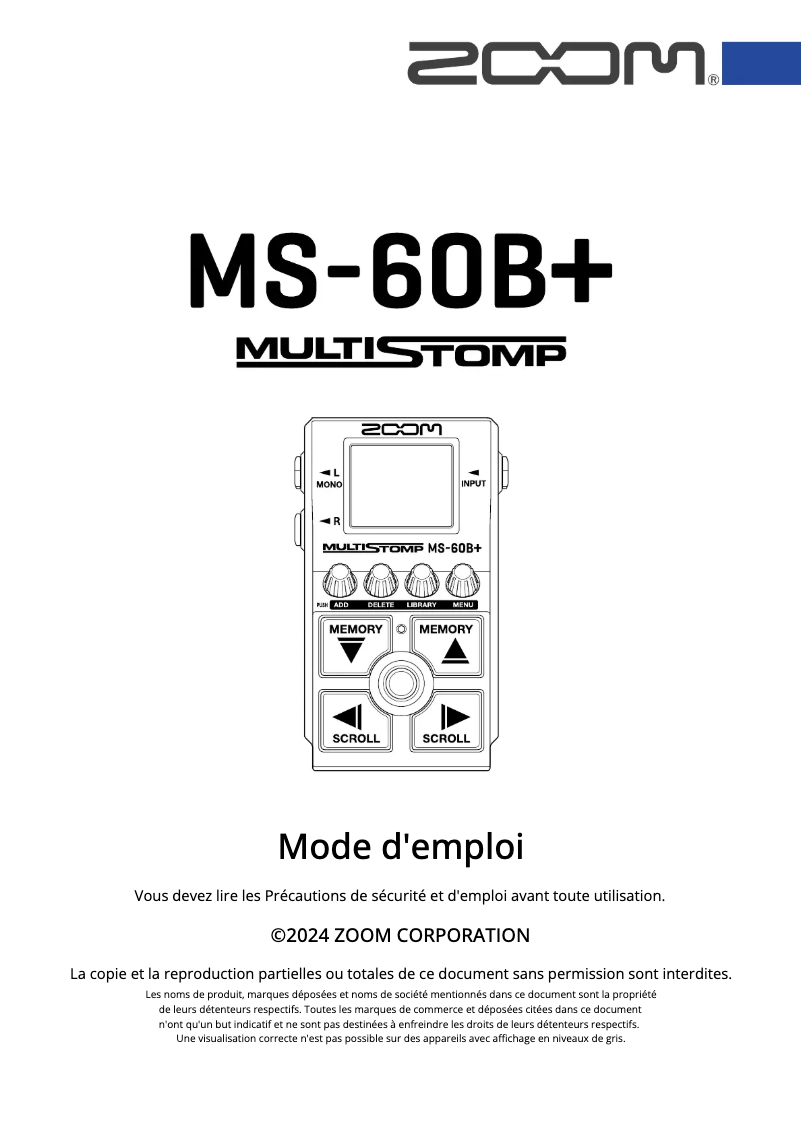

Editorial note
The Zoom MultiStomp MS-60B stands out for its versatility, offering a wide range of effects and amplifier simulations, allowing musicians to customize their sound according to their preferences. Its intuitive interface makes it easy to navigate between different settings, although beginners may find some aspects complex. In terms of portability, its compact format is ideal for rehearsals, concerts, and studio recordings. However, a few drawbacks are worth noting. The sound quality of the effects may not meet the expectations of professional musicians seeking superior audio fidelity. Additionally, the lack of a color screen may make visualizing the settings less enjoyable, especially in low-light conditions. The durability of the pedals is also a concern, particularly for intensive use on stage, and the number of simultaneous effects could limit users' creativity. Nevertheless, the provided documentation, including a user manual and safety instructions, is comprehensive and facilitates the product's handling. Overall, the Zoom MultiStomp MS-60B is a solid option for musicians looking for flexibility and ease of use, while being aware of its limitations in sound quality and durability.Score details
User experience
The user experience is positive thanks to an intuitive interface, but it can be complex for beginners, making navigation less smooth.
Performance
Performance is generally good, but the sound quality of the effects may not satisfy professional musicians looking for superior audio fidelity.
Usability
Ease of use is a major asset, with a well-thought-out interface, although some users may find certain settings less intuitive due to complexity.
Design
The design is compact and portable, but the lack of a color screen can make viewing settings less enjoyable, especially in low light conditions.
Robustness
The build quality is appreciated, but the durability of the pedals may be questioned during intensive use on stage.
Documentation
The documentation is comprehensive with a user manual and safety instructions, facilitating handling and safe use.
Features
The versatility of the effects and amplifier simulations is a real plus, but the limited number of simultaneous effects may restrict users' creativity.
Advantages
Wide range of effects and amplifiers
Intuitive and easy-to-use interface
Compact and easy to transport
Recognized durability and reliability
Comprehensive user manual included
Disadvantages
Complex interface for beginners
Disappointing sound quality for professionals
Non-color screen difficult to read
Questionable durability in intensive use
Limited simultaneous effects for creativity
Technical Specifications MultiStomp MS-60B
General Information
-
ModelMULTISTOMP MS-60B
-
Brand
-
Category
-
Type
-
SKU1523480
-
MPN1523480
Frequently Asked Questions
Is the manual for the Zoom MultiStomp MS-60B available in French?
Similar products


More product categories from brand Zoom
More product types from brand Zoom


Presentation of product MultiStomp MS-60B specifications from brand Zoom
General Information
The Zoom MultiStomp MS-60B is an innovative effects processor from the brand Zoom, known for its quality and commitment to innovation in the field of musical equipment. This model, the MultiStomp MS-60B, is designed to deliver high-level performance, allowing musicians to benefit from an enriched sound experience.
Advantages
Versatility: The Zoom MultiStomp MS-60B stands out for its wide range of effects and amplifier simulations, giving artists the opportunity to customize their sound according to their preferences and musical style.
Ease of use: With an intuitive interface, users can easily navigate between different settings and effects, even during live performances.
Compact and portable: Its compact design allows musicians to easily take it along for rehearsals, concerts, or studio recordings, without clutter.
Build quality: The durability of Zoom products ensures longevity and reliability, even with intensive daily use.
Comprehensive documentation: A user manual and safety instructions are provided, making it easier to get started and ensuring safe use.
Disadvantages
Complexity of the interface: Beginner users may find the interface somewhat complex, making navigation and configuration of effects less intuitive.
Sound quality: Some professional musicians might find that the sound quality of the effects does not meet their audio fidelity requirements.
Screen: The lack of a color screen can complicate the visualization of parameters and settings, especially in poorly lit environments.
Durability of the pedals: The robustness of the pedals can be put to the test, especially during intensive use on stage.
Limitation of effects: The limited number of effects that can be used simultaneously may restrict the creativity of users wishing to combine multiple effects.


