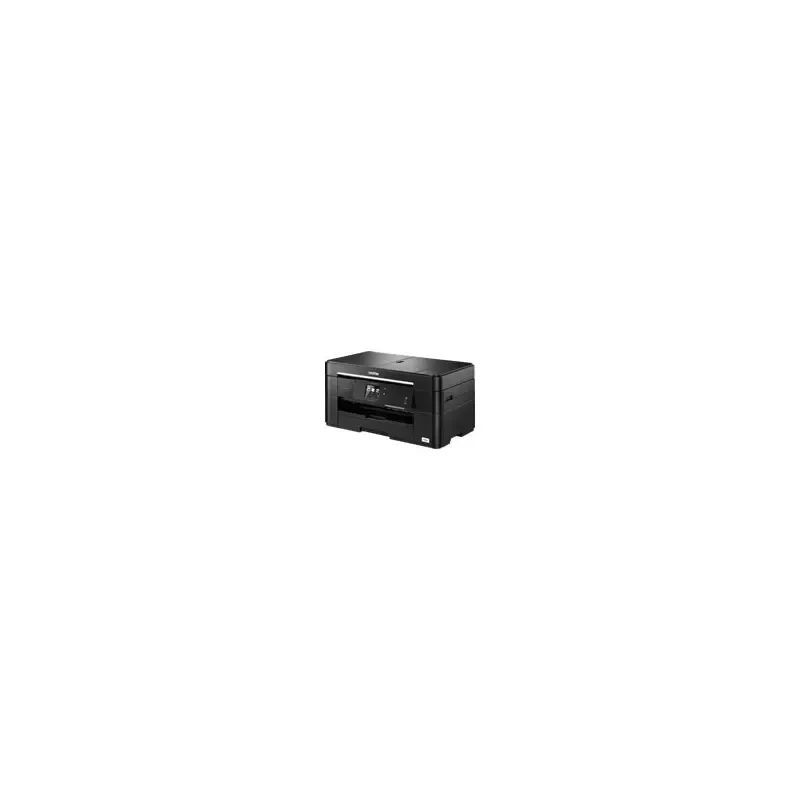

Manuals of product MFC-J2320


Editorial note
The Brother MFC-J2320 printer stands out for its print quality and versatility, allowing not only printing but also scanning, copying, and sending faxes. Users particularly appreciate the clarity of printed documents, making it an ideal choice for professional use. Additionally, its energy efficiency helps reduce operating costs, while the user manual and safety instructions provided make installation and use easy, even for novices. However, some drawbacks deserve to be highlighted. The relatively high cost of ink cartridges can increase long-term expenses, especially for users who print frequently. Furthermore, the printing speed can be a bit slow when printing color documents, which could frustrate hurried users. Wireless connectivity issues have also been reported, although the printer's functional design may pose space challenges in small work areas. Overall, the Brother MFC-J2320 offers a positive user experience thanks to its comprehensive features and the brand's reputation for durability. However, it is essential to consider operating costs and speed limitations before making a purchasing decision.Score details
User experience
The user experience is generally positive due to a clear manual and ease of use, even for beginners.
Performance
Performance is good for printing professional documents, but it can be slow when printing in color.
Design
The design is functional, but the bulkiness can be a drawback for small workspaces.
Value for money
The cost of ink cartridges is high, which can increase long-term expenses.
Robustness
The Brother brand is known for its durability and product quality, ensuring good longevity.
Features
The versatility of the printer, which allows printing, scanning, copying, and sending faxes, is a real asset.
Support
Support is generally good, but wireless connectivity issues may occur.
Documentation
The provided documentation is comprehensive and helps with easy installation and use.
Advantages
Clear and precise prints
Multifunction: prints, scans, copies, faxes
Reduced energy consumption
Simple installation and use
Recognized durability and quality
Disadvantages
High cost of ink cartridges
Slow printer for color documents
Sometimes unstable wireless connectivity
Bulky for small workspaces
Print quality issues with lower-grade paper
Technical Specifications MFC-J2320
General Information
-
ModelMFC-J2320
-
Brand
-
Category
-
Type
-
SKU1466209
-
MPN1466209
Frequently Asked Questions
What is the appropriate method for removing paper jammed in the printer?
Why is my printer not recognizing the original cartridges?
What could be the reasons for poor print quality?
How does a laser printer differ from an inkjet printer?
Why is my inkjet printer producing black streaks?
What does the acronym DPI mean?
Is the manual for the Brother MFC-J2320 available in French?
Similar products


More product categories from brand Brother
Home appliances Brother
Other Brother
Tools Brother
Phones Brother
Interior Brother
More product types from brand Brother


Presentation of product MFC-J2320 specifications from brand Brother
General Information
The Brother MFC-J2320 printer is a versatile model from the Brother brand, known for its commitment to quality and innovation in the office equipment sector. This model is designed to effectively meet the varied needs of users, thus ensuring high performance and an optimized user experience.
Advantages
High-quality printing: The Brother MFC-J2320 produces sharp and precise prints, making it an ideal choice for professional documents and presentations.
Versatility: As a multifunction printer, it allows for printing, scanning, copying, and sending faxes, thus meeting a multitude of office needs.
Energy efficiency: This model is designed to consume less energy, contributing to reduced operating costs while decreasing environmental impact.
Ease of use: With a clear user manual and safety instructions, the MFC-J2320 is easy to install and use, even for beginners.
Brand reliability: Brother is synonymous with durability and quality, ensuring users a satisfying experience and good value for money.
Disadvantages
Cost of cartridges: Ink cartridges can be relatively expensive, which may increase long-term expenses.
Printing speed: The printer may be slow when printing color documents, which can be a drawback for those seeking speed.
Wireless connectivity: Wireless connectivity can sometimes be unstable, leading to connection issues with mobile devices or computers.
Footprint: The MFC-J2320 may require dedicated space, which can be problematic in restricted work environments.
Print quality: Some users have reported print quality issues, including blurriness or color gradients, especially when using lower quality paper.


