

Manual of product Toughpad FZ-F1
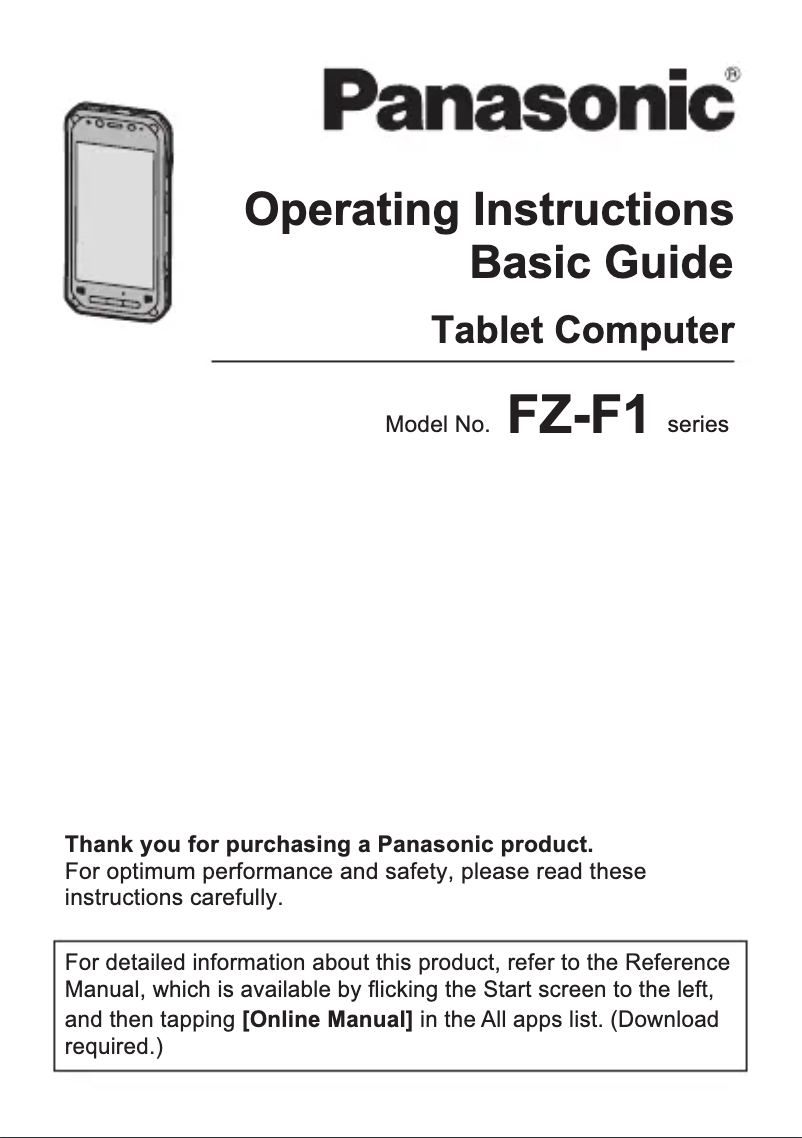
Editorial note
The Panasonic Toughpad FZ-F1 stands out for its exceptional robustness, designed to withstand harsh environments thanks to its IP65 certification, making it dustproof and splash-resistant. This smartphone is ideal for professionals working in the field, ensuring smooth performance with a powerful processor and adequate memory. Its compact and ergonomic design allows for easy use, even with gloves, which is an undeniable advantage for users in demanding conditions. However, the Toughpad FZ-F1 has some drawbacks. Its weight and dimensions may make it less practical for everyday use compared to other smartphones. Additionally, its high price may deter some consumers, especially those who do not need its specific features. The user interface, while functional, may seem less intuitive than that of mainstream smartphones, requiring an adjustment period for new users. Finally, the battery life, while reasonable, may not be sufficient for intensive workdays. Overall, the Panasonic Toughpad FZ-F1 is a wise choice for professionals seeking a robust and high-performing smartphone, but it may not be suitable for all users due to its cost and handling.Score details
Robustness
The Panasonic Toughpad FZ-F1 is designed to withstand harsh environments thanks to its durable construction and IP65 certification, making it dustproof and splash-resistant.
Performance
Equipped with a powerful processor and sufficient memory, this smartphone ensures smooth performance for professional tasks, even in demanding conditions.
Usability
With its compact design and optimized grip, the Toughpad FZ-F1 is easy to use, even with gloves, but the user interface may seem less intuitive compared to other consumer smartphones.
Value for money
Its price is often higher than that of standard smartphones, which may deter some users, especially those who do not need features specific to a professional environment.
Battery life
The battery life, while reasonable, may not be sufficient for intensive use throughout the day, especially in demanding work environments.
Support
The product comes with a user manual, making it easier to get started and optimally use the available features.
Features
Customization options and applications may be limited compared to other operating systems, which can restrict the user experience.
Advantages
Robust and resistant to harsh environments
Smooth performance for professional tasks
Compact design, easy to use with gloves
Advanced connectivity: Wi-Fi, Bluetooth, mobile
User manual for easy handling
Disadvantages
Heavier and bulkier than other smartphones
Often high price compared to standard smartphones
Less intuitive user interface for some
Insufficient battery life for heavy use
Limited customization and application options
Technical Specifications Toughpad FZ-F1
General Information
-
ModelTOUGHPAD FZ-F1
-
Brand
-
Category
-
Type
-
SKU1367305
-
MPN1367305
Frequently Asked Questions
How do I reset my Panasonic Toughpad FZ-F1?
What should I do if my SIM card is too small for my {brand} phone?
What does the IMEI number mean?
What are the dimensions of my smartphone's screen?
Is there a risk of my smartphone's battery exploding?
Is the manual for the Panasonic Toughpad FZ-F1 available in French?
Similar products


More product categories from brand Panasonic
Home appliances Panasonic
Phones Panasonic
Audio Panasonic
Camera and photography Panasonic
Personal care Panasonic
Other Panasonic
Tools Panasonic
Interior Panasonic
More product types from brand Panasonic








Presentation of product Toughpad FZ-F1 specifications from brand Panasonic
General Information
The Panasonic Toughpad FZ-F1 is a rugged smartphone designed by the renowned brand Panasonic, known for its commitment to quality and technological innovation. This model is specifically crafted to provide reliable performance and an enhanced user experience, even in the most demanding conditions. The EAN code, 0644391438228 and 0885170312678, uniquely identifies this product within distribution systems.
Advantages
The Toughpad FZ-F1 stands out for its ruggedness, designed to withstand harsh environments thanks to its durable construction and IP65 certification, ensuring protection against dust and splashes. In terms of performance, this smartphone is equipped with a powerful processor and adequate memory, providing smooth execution of professional tasks. Its ergonomic design allows for a comfortable grip even with gloves, making it particularly suitable for users working in the field. Additionally, it offers advanced connectivity including Wi-Fi, Bluetooth, and mobile network capabilities, ensuring fast and efficient communication. Finally, the product comes with a user manual, facilitating the handling and optimal use of its features.
Disadvantages
Despite its ruggedness, the Panasonic Toughpad FZ-F1 may have some drawbacks. It is often more heavy and bulky than other smartphones, which can make it less practical for everyday use. Moreover, its price is generally higher than that of standard models, which could deter some users, especially those who do not need its specific features. The user interface may also seem less intuitive compared to other consumer smartphones, requiring an adjustment period for new users. Finally, while the battery life is reasonable, it may not be sufficient for intensive use throughout the day, particularly in demanding work environments. The options for customization and applications may also be more limited, thus restricting the user experience.


