
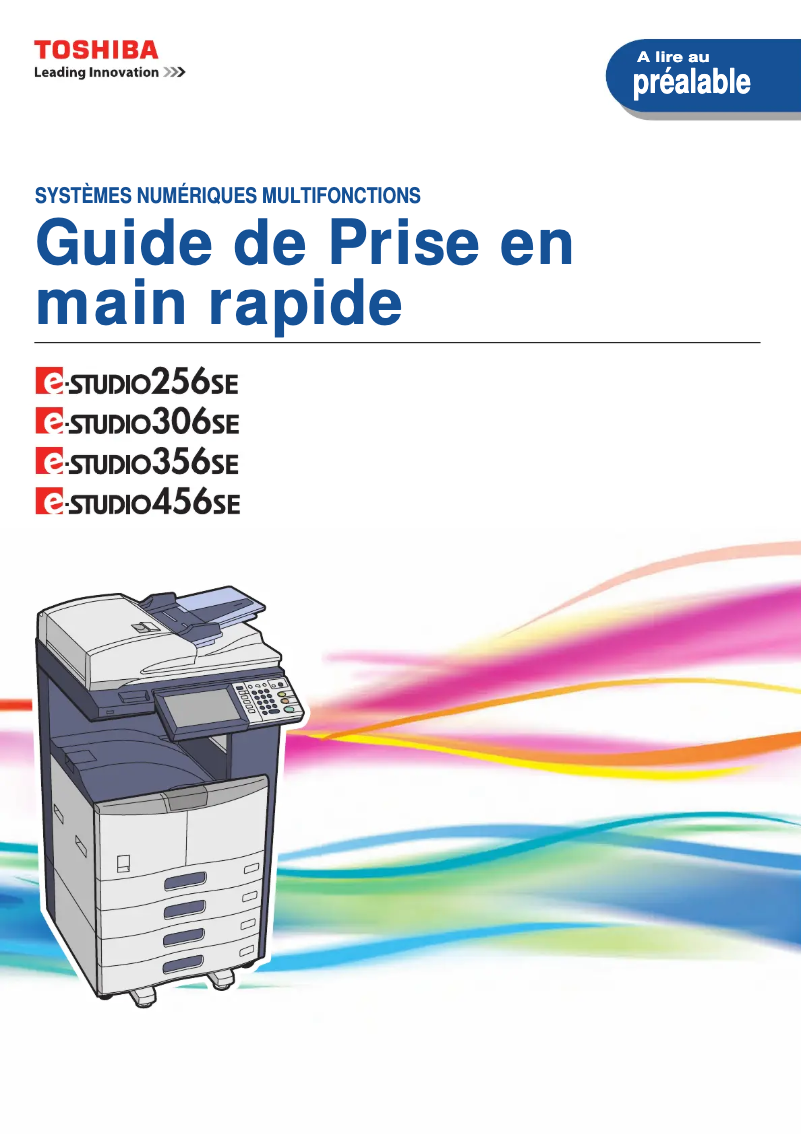
Manual of product E-Studio 356SE
Editorial note
The Toshiba E-Studio 356SE stands out for its optimal performance, offering fast and high-quality printing, making it particularly suitable for demanding professional environments. Its user-friendly interface and intuitive features enhance the user experience, allowing even less experienced individuals to use it easily. However, the purchase cost of this printer can be high, representing a significant investment for small businesses or individual users. Additionally, its size and weight can complicate its installation and movement in tight workspaces. In terms of maintenance, it is important to note that the costs associated with replacing toners and wear parts can be high, which is a criterion to consider. The versatility of the printer is a major asset, as it handles various types of documents and media, although some limitations in connectivity and compatibility with certain operating systems may complicate its integration into diverse IT environments. In summary, the Toshiba E-Studio 356SE is a wise choice for those seeking a reliable and high-performing printer, provided that the investments related to its acquisition and maintenance are taken into account.Score details
Performance
The Toshiba E-Studio 356SE offers optimal performance, ensuring fast and high-quality printing, which is essential for demanding professional environments.
User experience
The user experience is enhanced by a user-friendly interface and intuitive features, making it easy to use even for less experienced users.
Value for money
Although the quality is there, the purchase cost can be high, representing a significant investment for small businesses or individual users.
Design
The size and weight of the printer can make installation and relocation difficult, especially in small workspaces.
maintenance
The printer may require high maintenance costs, particularly for replacing toners and wear parts, which can be a drawback to consider.
Features
The versatility of the printer, capable of handling various types of documents and media, is a major asset, although connectivity may be limited.
Advantages
Fast and high-quality printing
Reliable and durable brand
User-friendly and intuitive interface
Practical user manual included
Versatile for various types of documents
Disadvantages
High purchase cost for small businesses.
Difficult installation in small spaces.
Expensive maintenance, toners and parts to replace.
Insufficient printing speed for large volumes.
Limited connectivity with certain operating systems.
Technical Specifications E-Studio 356SE
General Information
-
ModelE-STUDIO 356SE
-
Brand
-
Category
-
Type
-
SKU859247
-
MPN859247
Frequently Asked Questions
What is the best method to remove paper jammed in the printer?
Why does my printer not recognize the original cartridges?
Why is the quality of my prints poor?
What is the difference between a laser printer and an inkjet printer?
Why does my inkjet printer leave black streaks on prints?
What does the acronym DPI mean?
Is the manual for the Toshiba E-Studio 356SE available in French?
Similar products


More product categories from brand Toshiba
Home appliances Toshiba
Audio Toshiba
Phones Toshiba
Other Toshiba
Interior Toshiba
More product types from brand Toshiba








Presentation of product E-Studio 356SE specifications from brand Toshiba
General Information
The Toshiba E-Studio 356SE model represents the brand's Toshiba commitment to quality and innovation in the printer sector. This device is designed to deliver exceptional performance, thus meeting the demands of professional environments. With its intuitive interface, the E-Studio 356SE stands out for its simplified use, even for users less familiar with printing technologies.
Advantages
This printer offers optimal performance, ensuring fast and high-quality printing, essential for various professional tasks. The reliability of the brand Toshiba inspires confidence in the durability and longevity of the device. The enhanced user experience is also a major asset, thanks to user-friendly features and easy access to documentation, allowing for quick onboarding.
Moreover, the versatility of the Toshiba E-Studio 356SE enables it to handle different types of documents and media, thus meeting a variety of printing needs.
Disadvantages
However, the E-Studio 356SE has some drawbacks. Its purchase cost can be a barrier for small businesses or individual users, representing a significant investment. Its size and weight can complicate its installation and movement in restricted workspaces. Additionally, the maintenance costs, particularly for replacing toners and wear parts, can be high.
Finally, although the printing speed is adequate, it may not be sufficient for very demanding work environments requiring fast and high-volume printing. The connectivity and compatibility options with certain operating systems may also be limited, making its integration into diverse IT environments more complex.


