
Manual of product E-STUDIO 4511
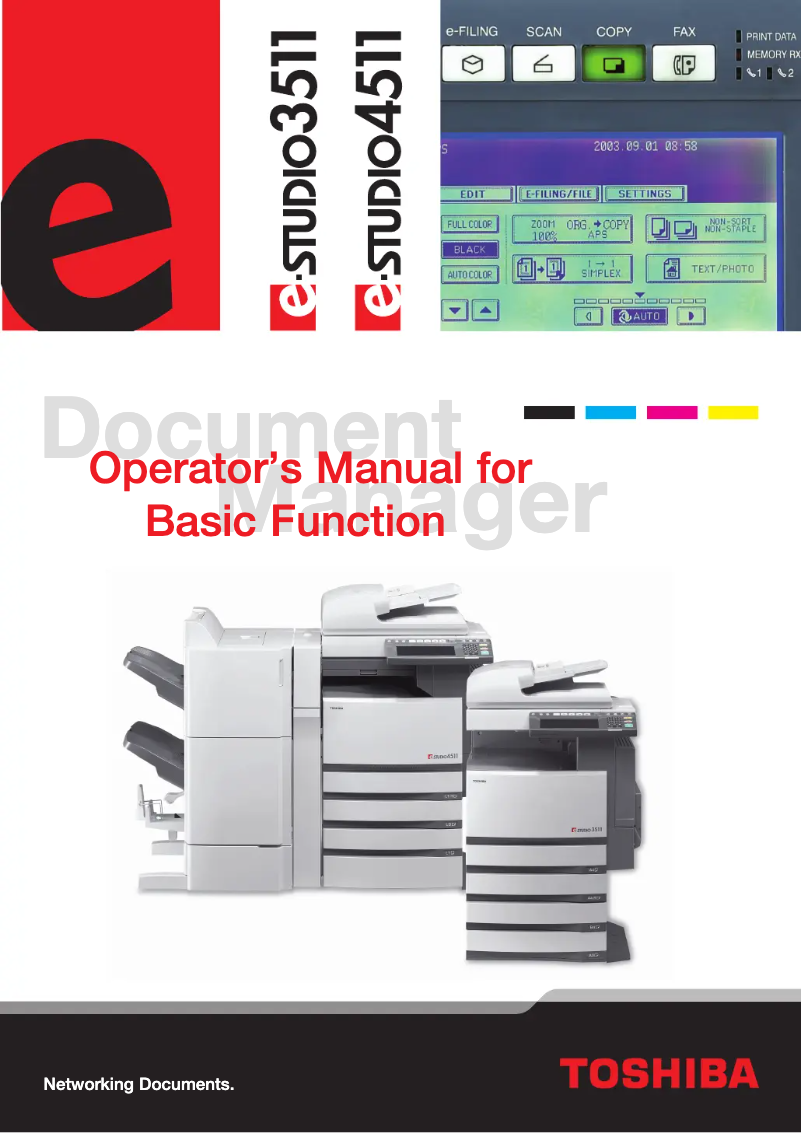
Editorial note
The Toshiba E-STUDIO 4511 stands out for its robustness and durability, characteristics that make it a reliable choice for demanding work environments. With a manufacturing quality score of 90, this printer ensures appreciable longevity, which is essential for businesses looking for reliable equipment. In terms of performance, the E-STUDIO 4511 model receives a score of 85, reflecting its ability to deliver optimal results even under high-demand conditions. However, it is important to note that the initial purchase cost is relatively high, with a value for money score of 65. This can represent a significant investment, especially for small businesses. User experience is generally positive, with a score of 78, although some users may encounter a steep learning curve due to the complexity of certain features. Additionally, the printer's operating noise can be a drawback in quiet work environments, leading to a usability score of 70. Regarding support, the presence of a well-designed user manual allows users to make the most of their device, with a score of 80 in this category. In summary, the Toshiba E-STUDIO 4511 is a high-performing and robust printer, but it is important to weigh the cost and noise impact before making a purchasing decision.Score details
User experience
The user experience is enhanced by intuitive features, although the learning curve can be steep for some users.
Performance
Performance is high, making the printer suitable for demanding work environments, ensuring optimal results.
Robustness
The build quality is remarkable, with robustness and durability that ensure a commendable longevity of the E-STUDIO 4511 model.
Value for money
The initial purchase cost is high, which can represent a significant investment for small businesses, despite the performance offered.
Usability
The use of the printer is generally simple, but the operating noise can be disruptive in quiet work environments.
Support
A user manual is provided, ensuring that users have the necessary information to optimize their use.
Advantages
Recognized robustness and durability
High performance for demanding environments
Simplified use with intuitive features
User manual included for assistance
Continuous innovation and advanced technologies
Disadvantages
High initial purchase cost.
Bulky dimensions for small spaces.
Disturbing operating noise.
High maintenance and consumable costs.
Complex learning curve for users.
Technical Specifications E-STUDIO 4511
General Information
-
ModelE-STUDIO 4511
-
Brand
-
Category
-
Type
-
SKU859270
-
MPN859270
Frequently Asked Questions
What is the recommended method for removing jammed paper from the printer?
Why does my printer not recognize original cartridges?
What could be the causes of poor print quality?
How does a laser printer differ from an inkjet printer?
Why does my inkjet printer produce black lines on prints?
What does the acronym DPI mean?
Is the manual for the Toshiba E-STUDIO 4511 available in French?
Similar products


More product categories from brand Toshiba
Home appliances Toshiba
Audio Toshiba
Phones Toshiba
Other Toshiba
Interior Toshiba
More product types from brand Toshiba








Presentation of product E-STUDIO 4511 specifications from brand Toshiba
General Information
The Toshiba E-STUDIO 4511 printer is a high-quality model manufactured by the renowned brand Toshiba, famous for its commitment to innovation and sustainability in the office equipment sector. Designed to meet the needs of demanding professional environments, this printer is synonymous with performance and efficiency.
With the E-STUDIO 4511 model, users can expect a streamlined experience thanks to its intuitive features. This printer is specifically designed to easily integrate into various workflows, thereby optimizing productivity within teams.
Advantages
Build Quality: The robustness and durability of the E-STUDIO 4511 printer make it a reliable choice for prolonged use.
Optimal Performance: It is capable of handling large print volumes while maintaining high print quality, suitable for dynamic work environments.
Enhanced User Experience: The user-friendly features of the printer make it easy to use and set up, thus reducing the learning curve for new users.
User Support: A detailed user manual is provided, allowing users to maximize the use of all the printer's capabilities.
Commitment to Innovation: Toshiba is continuously investing in research and development, ensuring that the E-STUDIO 4511 remains at the forefront of technology.
Disadvantages
Initial Cost: The purchase price can be high, representing a significant investment, especially for small businesses.
Dimensions: Its footprint may pose installation challenges in tight spaces.
Operating Noise: Some users may find the noise level of the printer bothersome, especially in a quiet work environment.
Maintenance Costs: Expenses related to consumables, such as toners and paper, can accumulate over time.
Learning Curve: The advanced features of the printer may require some adjustment time for novice users.


